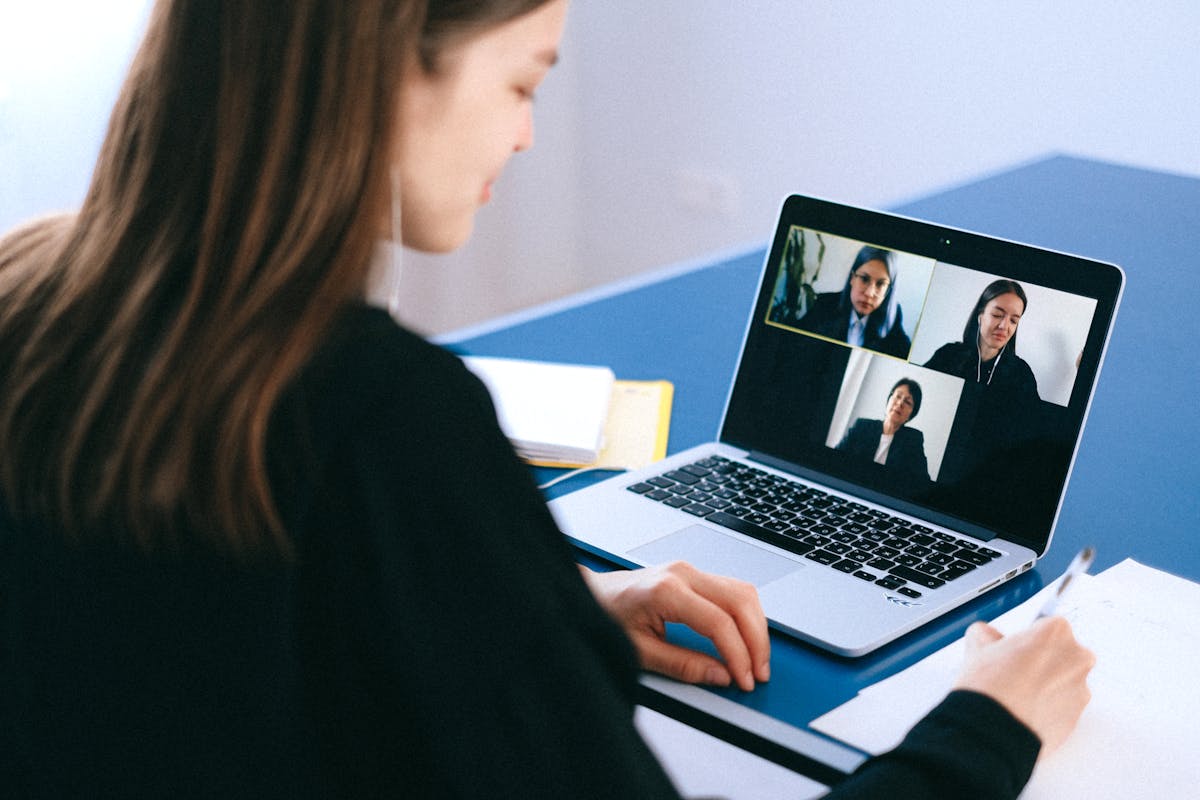
Complete Remote Interview Guide: Tips for Succeeding in Video Interviews

Complete Remote Interview Guide: Tips for Succeeding in Video Interviews

Remote interviews have become the mainstream in recruitment. From equipment preparation to video etiquette, this article comprehensively analyzes the keys to online interview success.

December 28, 20254 min read318 views

The New Normal of Remote Interviews

Since the pandemic, remote interviews have become standard procedure for many companies. Even for positions that will ultimately work in an office, first-round interviews are often conducted via video. Mastering online interview skills has become essential for modern job seekers.

Technical Equipment Preparation

1. Camera Setup

Equipment Requirements:

  • At least 720p resolution (1080p recommended)
  • Built-in laptop camera is usually sufficient
  • External webcam provides better quality
  • Camera Position:

  • Keep it at eye level
  • About arm's length from the screen
  • Use books or a stand to elevate your laptop
  • Pro Tip:

    Look at the camera, not the screen! This makes the other person feel you are making eye contact. Put a small sticker near the camera as a reminder.

    2. Microphone and Audio

    Recommended Setup:

  • Wired headphones over Bluetooth (less delay)
  • Headphones with microphone are most stable
  • Avoid laptop built-in speakers
  • Testing Points:

  • Test audio quality in advance
  • Ensure no echo or noise
  • Prepare backup headphones
  • 3. Internet Connection

    Ensure Stability:

  • Wired connection over Wi-Fi
  • Test speed (recommend at least 5Mbps upload)
  • Close bandwidth-heavy programs
  • Ask housemates to limit network use
  • Backup Plans:

  • Mobile data as backup
  • Download mobile version of video software
  • Note down interviewer's phone number
  • 4. Lighting Configuration

    Basic Principles:

  • Light source in front, avoid backlighting
  • Natural light is best, but avoid direct sunlight
  • Use desk lamp for fill light
  • Professional Touch:

  • Ring light provides even facial lighting
  • Soft light is better than harsh light
  • Avoid overhead lighting causing shadows
  • Environment and Background Setup

    Ideal Background

    Recommended Options:

  • Clean wall: Solid or light colors
  • Bookshelf background: Shows professional image
  • Indoor plants: Adds life without distraction
  • Virtual background: Choose simple professional images
  • Avoid:

  • Messy rooms
  • Bed or private spaces
  • Moving people or pets
  • Reflective or flickering items
  • Environment Control

  • Choose a quiet space
  • Turn off phone notifications
  • Inform family of interview time
  • Prepare "Do Not Disturb" sign
  • Video Interview Etiquette

    Dress Code

    Principles:

  • Dress formally from waist up (at least business casual)
  • Avoid complex patterns (flicker on camera)
  • Choose solid colors or simple stripes
  • Dress slightly more formal than actual work
  • Common Mistakes:

  • Only dressing formally on top (you might need to stand)
  • Wearing all white (overexposure)
  • Wearing noisy jewelry
  • Body Language

    Correct Posture:

  • Sit up straight, shoulders relaxed
  • Maintain smile and open expression
  • Nod moderately to show listening
  • Natural gestures, not excessive
  • Eye Contact:

  • Look at camera when speaking
  • Can look at screen when listening
  • Avoid constantly looking elsewhere
  • Voice Expression

  • Speak slightly slower (network delay consideration)
  • Moderate volume, clear pronunciation
  • Pause after speaking to confirm they heard
  • Avoid interrupting (delay may cause overlap)
  • Common Video Platforms

    Major Platforms

  • Zoom: Most complete features
  • Google Meet: Integrated with Google ecosystem
  • Microsoft Teams: Common in enterprises
  • Webex: Preferred by multinational companies
  • General Preparation

  • Download and install software in advance
  • Familiarize with mute/unmute operation
  • Understand screen sharing function
  • Test virtual background effect
  • Handling Unexpected Situations

    Technical Issues

    Network Disconnection:

    "I apologize, my network seems unstable. Please allow me to reconnect."
    Or immediately call the backup phone number.

    Audio Problems:

    "Sorry, I cannot hear clearly. Could you please repeat that?"

    Environmental Disturbances

    Someone Enters:

    "Excuse me, please give me a second."
    (After handling) "Sorry for the wait, please continue."

    Pets or Noise:

    Stay calm, briefly apologize, quickly resolve. Most interviewers understand.

    Pre-Interview Checklist

    Day Before:

  • [ ] Test all equipment
  • [ ] Confirm interview link and time
  • [ ] Prepare questions to ask
  • [ ] Research company and interviewer
  • 30 Minutes Before:

  • [ ] Restart computer
  • [ ] Close unnecessary programs
  • [ ] Tidy background
  • [ ] Prepare water and notepad
  • 5 Minutes Before:

  • [ ] Enter waiting room
  • [ ] Final appearance check
  • [ ] Deep breath and relax
  • Conclusion

    Remote interviews may seem to have more variables, but with proper preparation, you can actually control the environment better than in-person interviews. Prepare every detail, show your professional attitude, and let interviewers feel your capability and enthusiasm through the screen.

    ---

    Need to practice interview skills? Use Work In 1's AI Interview Practice feature to be fully prepared before the real interview!

    Comments (0)

    Login to comment

    Join the discussion and share your thoughts

    No comments yet

    Be the first to comment!